
Creating compelling titles is an essential part of writing online content. Whether you are publishing blog posts, YouTube videos, social media captions, or articles, the way your title looks can influence how readers interact with your content. This is why tools like a title case converter have become popular among writers and content creators.
A title case converter automatically formats text so that important words start with capital letters. This style is widely used in blog headlines, video titles, and marketing content because it improves readability and presentation.
If you want to quickly format titles without manually editing each word, the tool available at https://www.freeyoutubetools.com/capitalize-my-title/
provides an easy solution.
What Is a Title Case Converter?
A title case converter is an online tool that converts plain text into properly capitalized titles. Instead of manually editing each word, the tool automatically applies title capitalization rules.
For example:
Original text:how to grow your youtube channel fast
Converted text:How to Grow Your YouTube Channel Fast
By using a title case converter, writers can quickly transform simple text into professional-looking titles.
Why Title Capitalization Matters
Titles are the first thing readers notice when they see an article or video. If the headline looks messy or poorly formatted, users may ignore it.
Using a title case converter helps maintain consistent formatting and ensures your titles look clean and professional.
Properly formatted titles can:
-
Improve readability
-
Increase click-through rates
-
Make content look more professional
-
Improve audience engagement
For bloggers and marketers, formatting plays an important role in attracting attention.
How a Title Case Tool (Converter) Works
It works by applying capitalization rules to text automatically. It identifies important words such as nouns, verbs, adjectives, and adverbs and capitalizes them while leaving minor words lowercase depending on the style.
The process usually involves three simple steps:
-
Enter the text you want to convert.
-
The converter analyzes the words and applies formatting rules.
-
The formatted title appears instantly.
This automation saves time and eliminates manual editing mistakes.
Who Should Use a Title Case Converter?
Many different users benefit from using a title case tool (converter).
Bloggers
Bloggers write multiple headlines for articles. A title formatting tool helps ensure consistency across posts.
YouTube Creators
Video titles need to be clear and attractive. Proper capitalization improves visibility and readability.
Students
Students often need properly formatted headings in assignments and presentations.
Social Media Managers
Social media captions and headlines look more professional when formatted correctly.
Digital Marketers
Marketing campaigns require consistent headline formatting, which can easily be achieved with a title case converter.
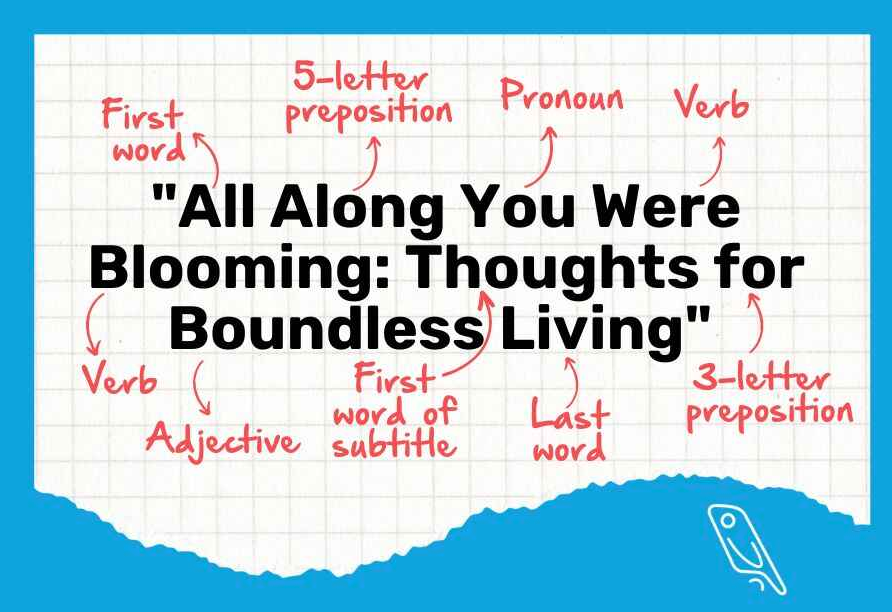
Benefits of Using a Title Case Converter
Using an automated title formatting tool offers several advantages.
Saves Time
Instead of manually editing each word, the tool converts text instantly.
Improves Accuracy
Capitalization rules can sometimes be confusing. A title case converter ensures consistent formatting.
Enhances Professional Appearance
Titles that follow proper capitalization standards look more polished.
Easy to Use
Most converters require only a simple copy-paste action to generate results.
Example of Title Conversion
Let’s look at an example.
Original text:
best strategies for youtube video seo
After using a title case Tool (converter), the output becomes:
Best Strategies for YouTube Video SEO
This small change significantly improves the appearance of the title.
Title Case vs Sentence Case
Understanding different capitalization styles helps writers choose the right format.
Title Case
Important words begin with capital letters.
Example:How to Improve Your Blog Writing Skills
Sentence Case
Only the first word and proper nouns are capitalized.
Example:How to improve your blog writing skills
Many online platforms prefer title case for headings because it appears more structured.
How to Use the Title Case Tool
Using the tool on FreeYouTubeTools is simple.
Paste your headline or text into the input box.
Click the convert button.
Copy the formatted result.
The title case tool (converter) instantly produces a properly formatted title ready for use.
Tips for Writing Better Titles
While formatting tools help with capitalization, writing an effective headline also requires creativity.
Here are some useful tips:
Keep titles clear and concise
Use strong keywords
Avoid unnecessary filler words
Focus on the reader’s interest
Make the title informative and engaging
Combining strong writing with a title case Tool (converter) ensures both quality and professionalism.
Why Online Formatting Tools Are Useful
Online writing tools have become essential for modern content creators. They allow users to quickly edit and format text without installing software.
Advantages include:
Quick results
No installation required
Accessible from any device
Free usage
Simple interface
For writers who frequently create headlines, a title formatting tool simplifies the workflow.
Why Choose the FreeYouTubeTools Title Tool?
The formatting tool available on FreeYouTubeTools is designed for speed and convenience.
Key advantages include:
instant title formatting
easy-to-use interface
mobile friendly design
free access
fast text processing
These features make it a reliable solution for anyone who needs quick headline formatting.
Conclusion
A title case tools is a simple yet valuable tool for writers, bloggers, and content creators. Proper title formatting improves readability, professionalism, and audience engagement.
Instead of manually adjusting each word in a headline, using a title case converter allows you to format titles instantly and consistently.
If you want an easy way to create clean and professional headlines, try the tool available at https://www.freeyoutubetools.com/capitalize-my-title/
With just a few clicks, you can transform ordinary text into well-structured titles ready for blogs, videos, and social media posts.